Product · Screenshots
The product, in pixels.
High-resolution captures of key ThreatCaptain modules. Use as-is in partner decks, websites and collateral — don't recolor, crop the chrome, or add fake UI.
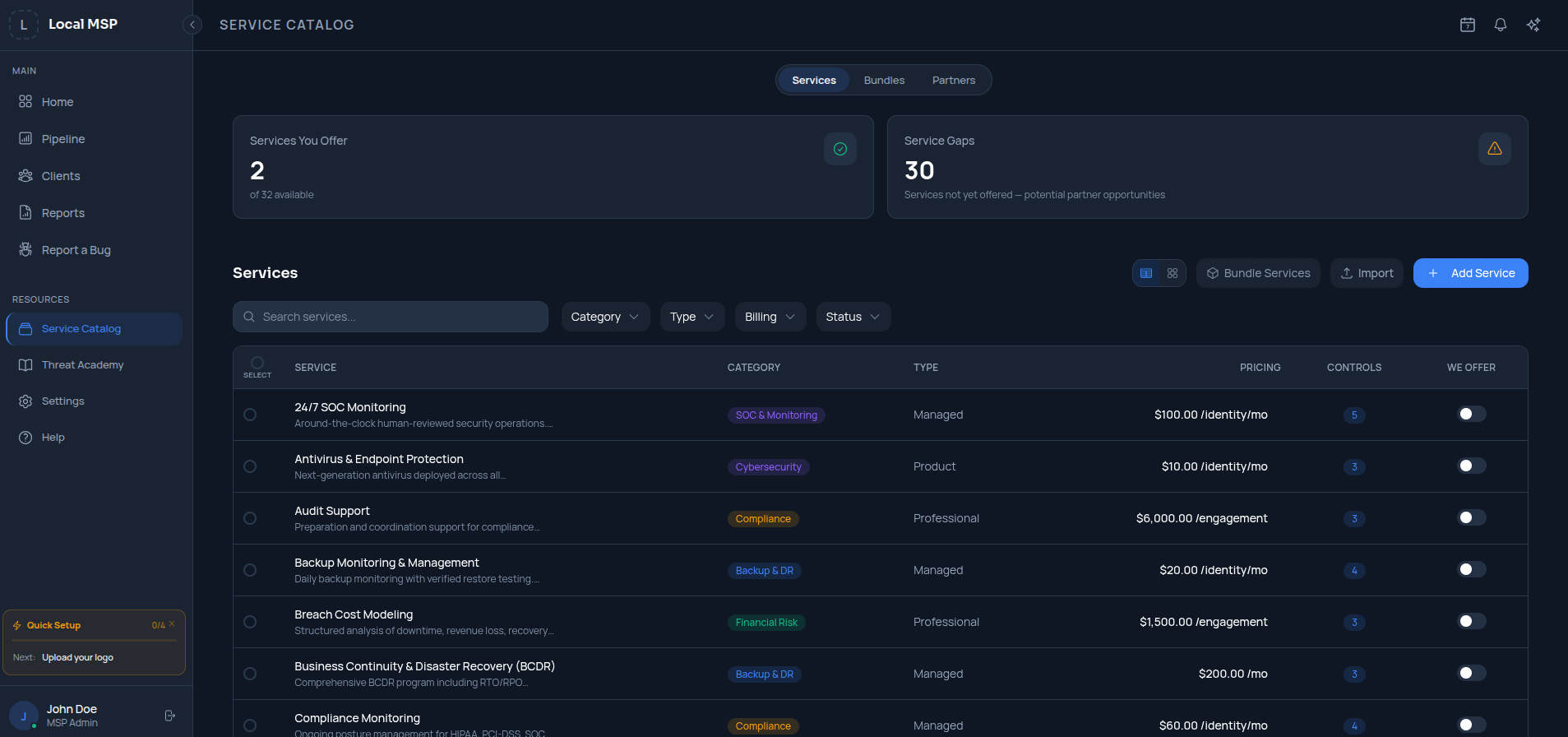
Service Catalog
Service catalog module — services, bundles and partners view.
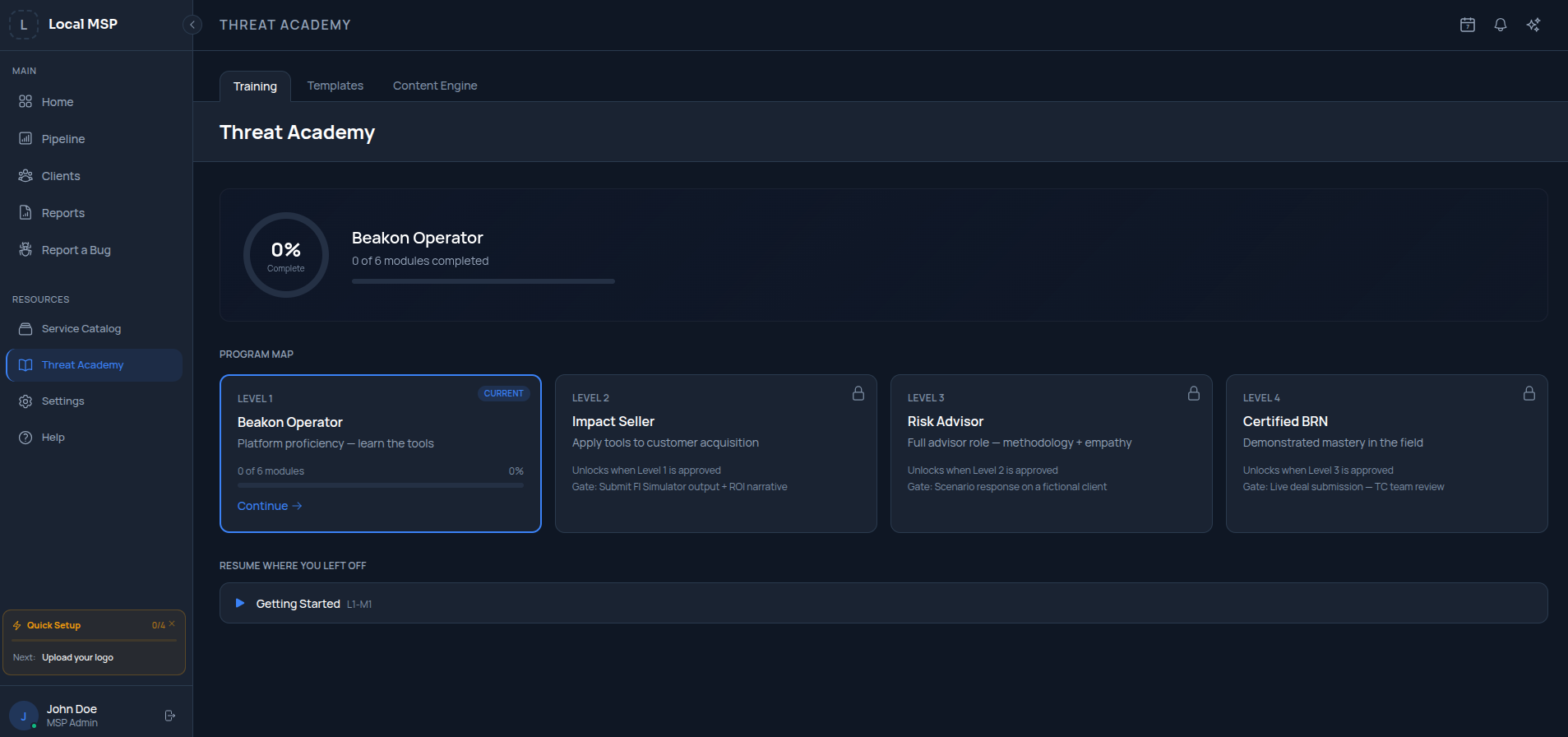
Threat Academy
Training program map and progress tracking.
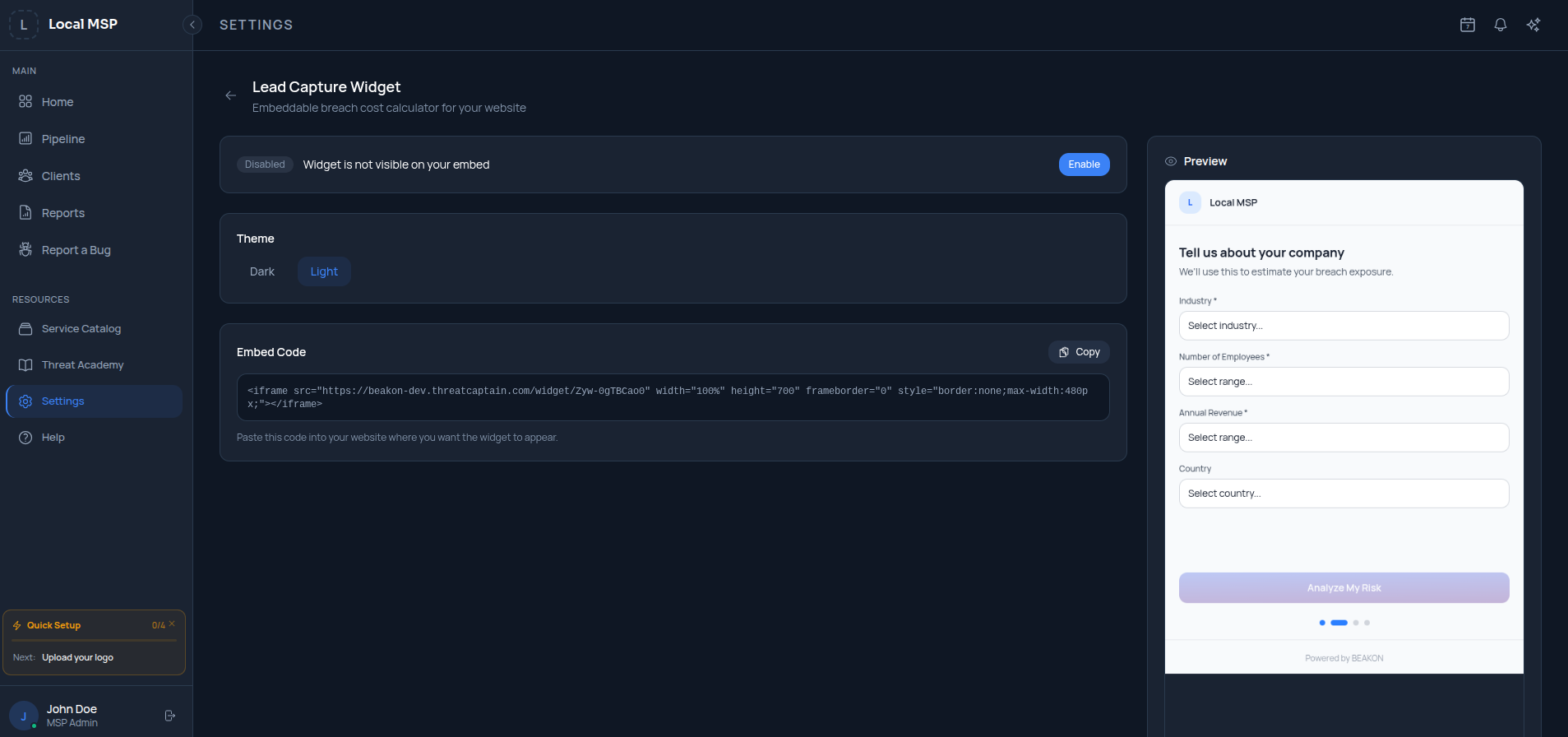
Lead Capture Widget
Embeddable breach-cost calculator settings and preview.
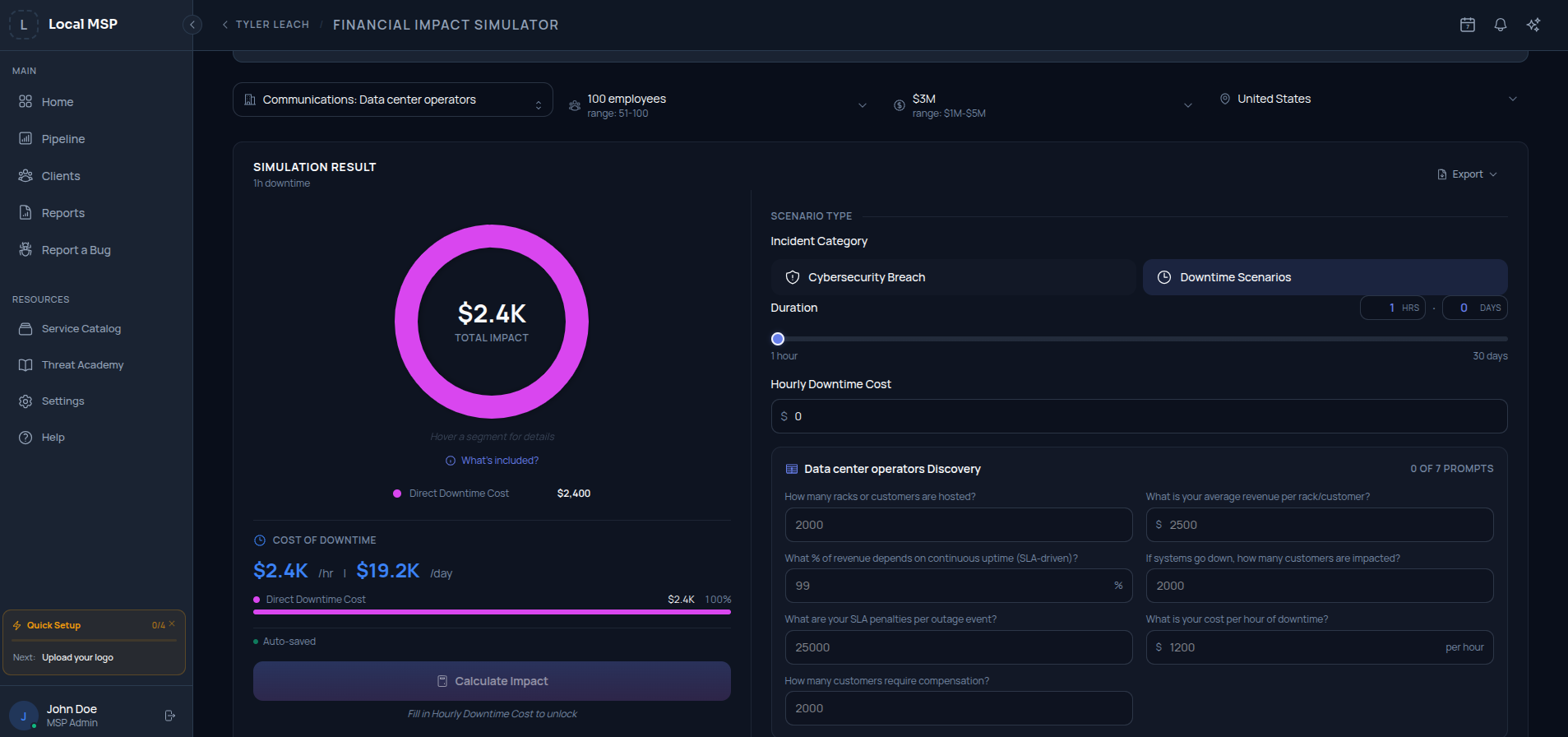
Financial Impact Simulator
Downtime and breach financial impact simulation view.
Usage
Show the real product.
Do
- • Use the latest approved captures from this page.
- • Preserve aspect ratio and resolution.
- • Place on backgrounds with sufficient contrast.
- • Pair with the ThreatCaptain® mark on first prominent appearance.
Don't
- • Don't recolor, restyle, or repaint the UI.
- • Don't crop the window chrome or fake new UI elements.
- • Don't apply effects — shadows, glows, perspective warps.
- • Don't show stale screenshots from prior product versions.
Downloads
Grab the files.
Service Catalog (PNG)
Service catalog module — services, bundles and partners view.
Threat Academy (PNG)
Training program map and progress tracking.
Lead Capture Widget (PNG)
Embeddable breach-cost calculator settings and preview.
Financial Impact Simulator (PNG)
Downtime and breach financial impact simulation view.